My car has a wide 1920 x 720 screen in the middle of the dashboard, and at home there’s a gaming PC. I wanted the same thing in the car: pick a game on the centre screen, plug in a pad, and play on the PC with the sound coming out of the car’s speakers. For the passenger on a trip, or for anyone when the car is parked.
That became Moonride. It’s a Moonlight client for the BMW iDrive 7 head unit, installed from the community MGU Store, and the code is public: moonride on GitHub, GPL-3.0.
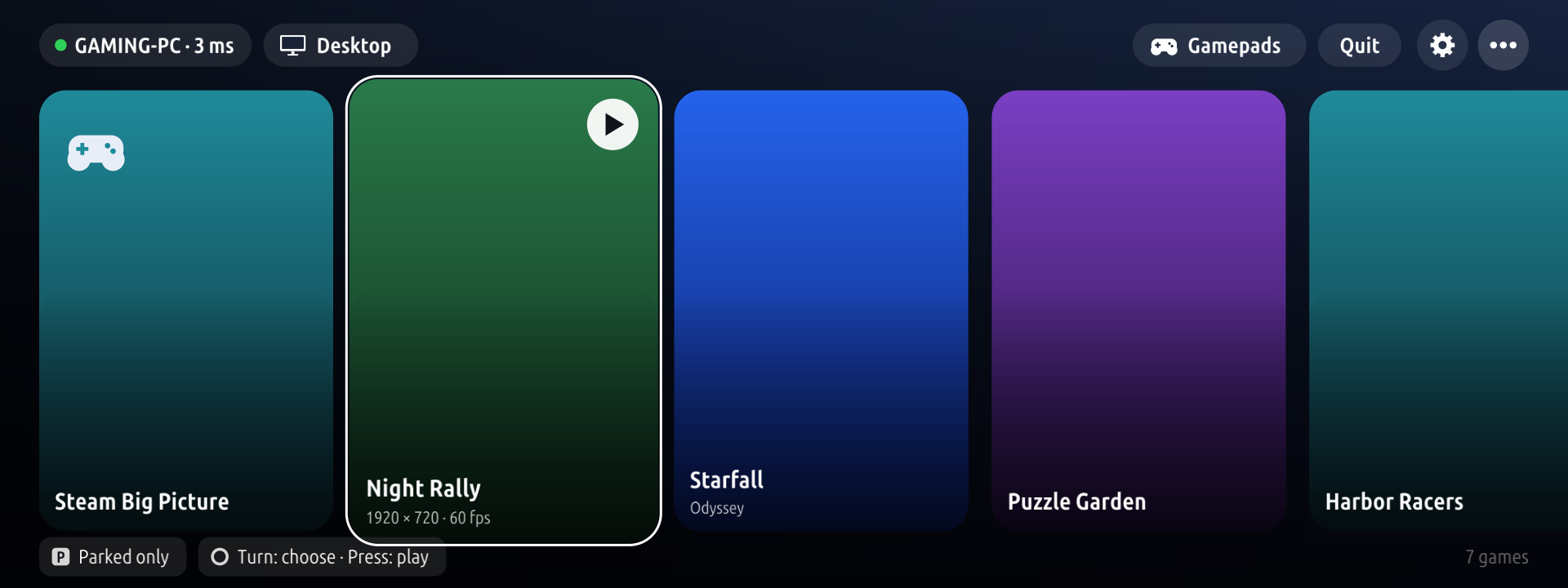
The home page with demo data: a made-up PC and games, no box art. The PC’s apps appear as cards, the iDrive controller is on one of them, and the “Parked only” chip sits bottom left.
Getting apps onto the car at all
Moonride is installed through the MGU Store by robertnisipeanu, a community store for apps on the iDrive 7 head unit (the MGU). It’s someone else’s project. The Store reads a catalog.json from a GitHub release, checks every download against its size and sha256, and installs the packages with their dependencies. It also ships mgu-render, a renderer that apps draw through, and mgu-uplink, which gives the car a network connection over Wi-Fi or a USB adapter. I contribute to the Store from time to time, but it isn’t mine.
So installing Moonride is: add JustAnotherPU/moonride as a source, add JustAnotherPU/mgu-apps for the shared Node.js 22 runtime, and press install. The Store pulls in the streaming service and the runtime first.
How it works
Moonride is three pieces:
- The app. The part you see on the screen, written in JavaScript for the head unit’s own Node 8 runtime. Home page, settings, pairing, the gamepad page, the launch screen. It uses a small app kit I wrote for iDrive 7 apps, which is in the same repository under MIT.
- The service. A Node 22 program that runs in the background and does the GameStream side: pairing with the PC, asking it for the list of apps, launching and quitting games. The app talks to it over a local socket.
- The streaming binary. A C++ program built on moonlight-common-c, the same core the official Moonlight clients use. It receives the video and audio, decodes the video in hardware with Intel’s Media SDK, plays the audio, and reads the USB pads.
On the PC side any GameStream host works: Sunshine, Apollo or Vibepollo. Mine runs Vibepollo on Windows 11 with a virtual display set to 1920 x 720, so the game renders at exactly the size of the car’s screen. With plain Sunshine you have to give the host that display mode yourself, because Moonride asks for that size and doesn’t change the PC’s display. A normal 16:9 desktop comes out stretched or letterboxed otherwise.
The streaming binary is tuned for latency over smoothness. It keeps one frame in flight, shows a frame as soon as it’s decoded instead of pacing it on the audio clock, and when newer frames are already waiting it decodes the old ones without showing them. A decode error asks the PC for a fresh keyframe instead of carrying on with a broken picture.
A crash that writes a core dump on this head unit reboots it. So the binary turns core dumps off before doing anything else, and any fatal signal writes one line to the log and exits.
Pairing and playing
The first time, you type the PC’s address in the settings, its address on the home network. There’s no default and nothing in the app is tied to one car, PC or network. Press Pair, a four-digit PIN appears on the car’s screen, and you enter it in the host’s web page on the PC. After that the PC’s apps show up as cards.
Three ways to control a game:
- A USB pad. Anything that shows up as an Xbox 360 (XInput) controller. I use an 8BitDo USB adapter in X-input mode. It’s controller 1 on the PC, with rumble. Holding View and Menu ends the stream.
- The touchscreen. It works as a mouse on the PC’s desktop and in games that take one.
- The iDrive controller. Arrow keys, Enter and the wheel. Good enough for menus.
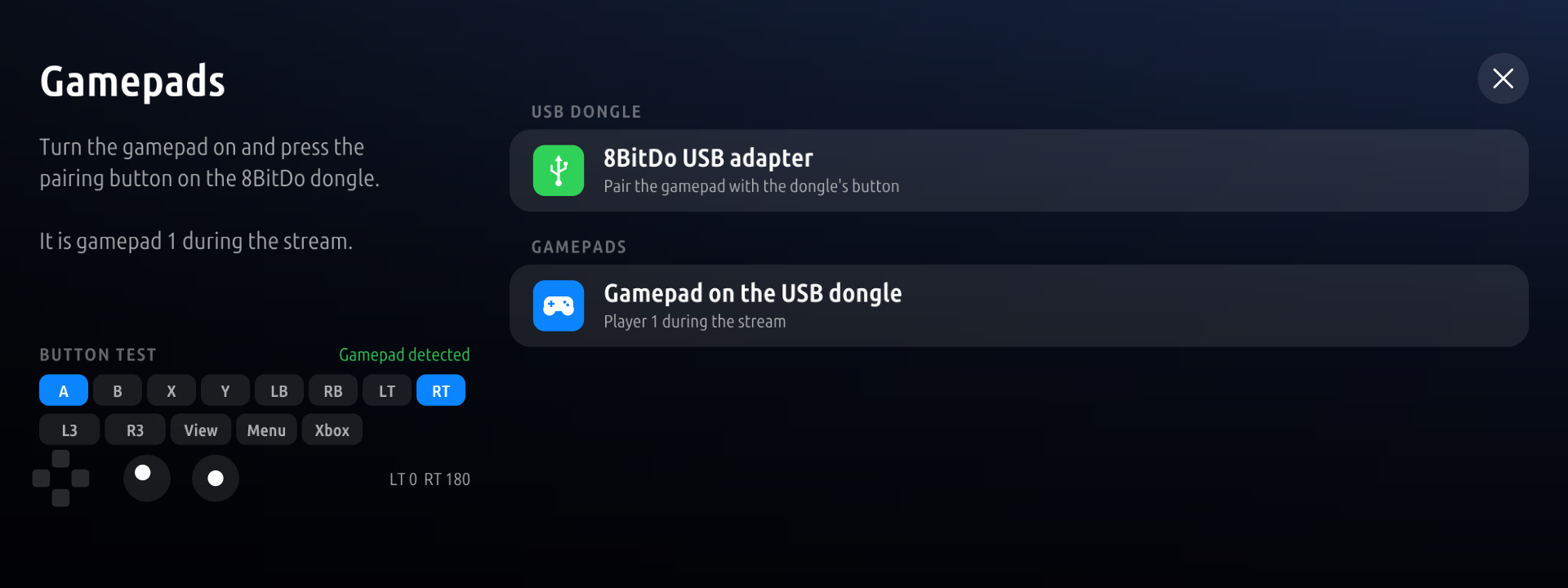
The gamepads page, with a live button test so you can check the pad before starting a game.
The sound goes through the head unit’s audio manager, the way a phone does. In early versions the sound didn’t always connect, and 0.3.2 fixed it by marking the right audio route as available while Moonride is on screen and clearing old audio connections at start.
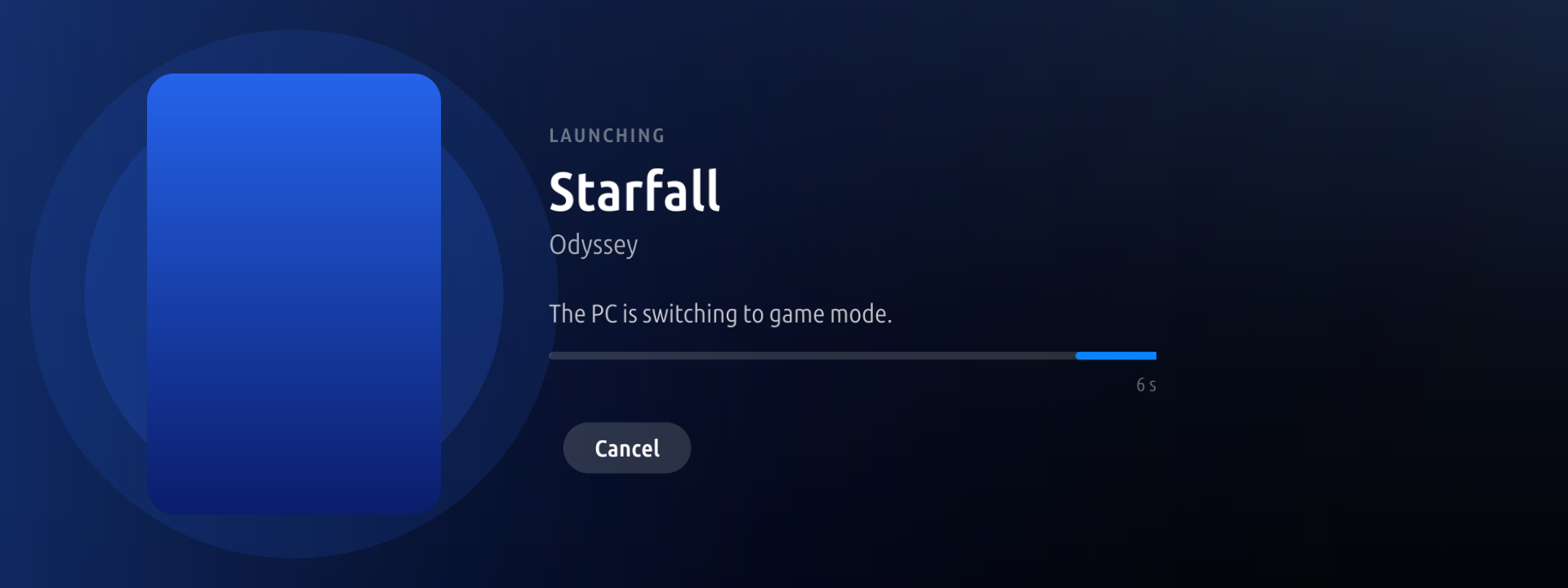
The launch screen, shown until the stream’s first picture. Demo data again.
Playing away from home
The car needs a network that reaches the PC: a Wi-Fi network through mgu-uplink, or a USB network adapter. At home that’s the house network. Away from home it needs internet (a phone hotspot or an LTE stick through mgu-uplink) and a tunnel back to the house. For that I use jap-wireproxy, from my mgu-apps. It connects to your own WireGuard server, on your router for example, and exposes a SOCKS5 proxy that only the head unit can reach. Moonride first tries the PC directly, and when that fails it relays the stream through jap-wireproxy.
Through a tunnel, Moonride switches to HEVC when the codec is on Auto, because it gives the same picture for less bitrate, and caps the bitrate at 6 Mbit/s. On the local network it uses H.264 and anything from 3 to 20 Mbit/s, 8 by default. A weak mobile link shows up as dropped frames, and lowering the bitrate is the fix.
Since 0.3.2 a lost connection doesn’t close the game on the PC: Moonride keeps retrying for 10 minutes and resumes the same game when the link comes back, for example when the car switches from the phone hotspot to Wi-Fi. Switching to another car app keeps the game running on the PC too, so you can look at another screen and come back to the game.
Parked only by default
The stream is parked only by default. Above 3 km/h it stops, and Start is refused. If the car’s speed can’t be read, Moonride treats the car as moving, and the home page says the speed is unreadable instead of waiting.
The setting can be turned off, but only while the car is parked, and only after a disclaimer on the screen: streaming while driving is for passengers only, the driver must never watch or operate it, and you check that it’s legal where you drive. It’s built for the passenger. The acceptance is remembered until Parked only is turned back on, and turning it off again asks again.
What still needs looking after
- One car tested. Everything was checked on one X5 with iDrive 7 and one firmware. Other iDrive 7 cars may differ, especially for the speed reading and the sound. Reports are welcome in the issues.
- The touchpad can get stuck. If Moonride is killed in the middle of a stream, the iDrive touchpad can stay in its handwriting mode. Opening Moonride once, or any text field on the car, clears it.
- No Bluetooth pads, one stream, one pad. No microphone either. Popups and the reversing camera cover the stream.
- The video isn’t encrypted on the LAN. That’s the same as Moonlight on a home network. The sound is encrypted, and through jap-wireproxy the whole link is.
- Other apps on the head unit can reach it. While Moonride relays a stream, it listens on the head unit’s loopback on Moonlight’s ports, so any program on the head unit can reach the PC’s GameStream ports during that time. And the service’s control socket is open to every app, because they all share one group on the head unit. Install only apps you trust.
- Packaging. The first issue on the repository was an install error from the Store: the head unit’s tar couldn’t restore extended attributes. I build releases on a Mac, and the Mac’s tar had written macOS file attributes into the package. I reproduced it on my car, rebuilt the package without them and re-uploaded 0.3.4. The release script now strips them every time.
What’s public and what’s mine
Public, GPL-3.0: the app, the service, the streaming binary, the release scripts and the tests, all in moonride. The app kit is MIT. BMW’s own SDK is never in the repository or in a release: to build the app you extract your own copy from your head unit.
The public release is 0.3.4. Mine: the host setup on my PC, which is specific to my machine.
Moonride is not affiliated with BMW, Moonlight, NVIDIA, LizardByte (Sunshine), Apollo, Vibepollo or WireGuard. If you run it on another iDrive 7 car, the issue tracker or the comments below are the places to tell me what works.
Comments
Loading comments…